Overview
iObeya ID works in the background when you sign in to iObeya. You do not access it directly and you do not need to manage anything inside it. The identity service verifies who you are then returns you to iObeya with your roles.
Understanding the Login Flow
If your platform is configured with iObeya ID, when you open your iObeya URL:
you are redirected for a moment to iObeya ID.
identity service checks your login information.
you are sent back to iObeya automatically.
your rooms, boards and roles load when your identity is confirmed.
The login page looks the same as the standard iObeya page and the design stays identical. The only visible change is the URL during the redirection.
Example of platfom configured with iObeya ID:
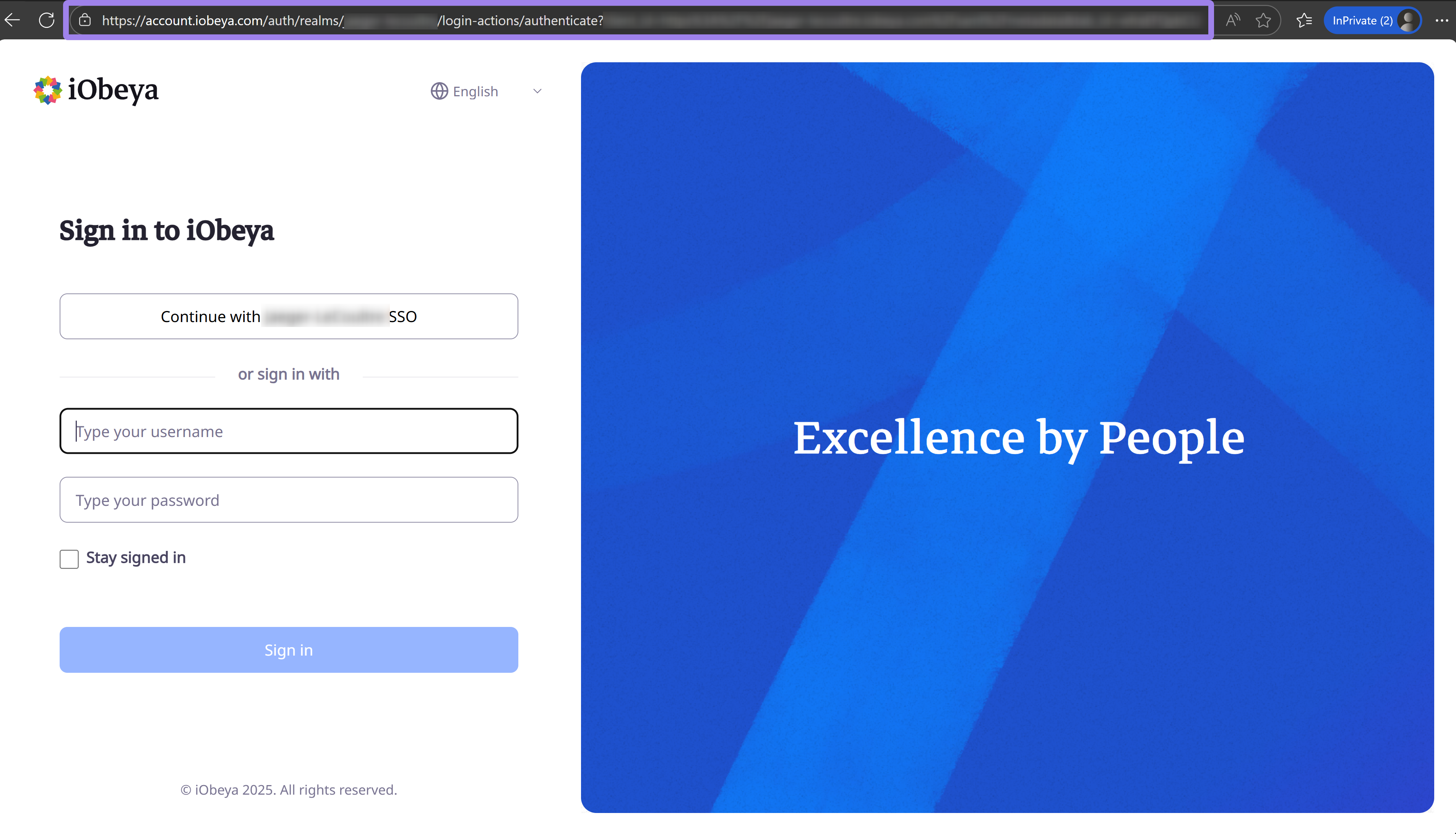
When you are redirected to iObeya ID during login (with the URL https://account.iobeya.com/auth/realms/……..), you are temporarily sent to a different platform. This platform is not iObeya and it should not be used to access your workspace.
The redirected URL is used only to verify your identity
Sharing this URL does not give access to an iObeya platform
Trying to use it directly can cause login errors linked to cookies:
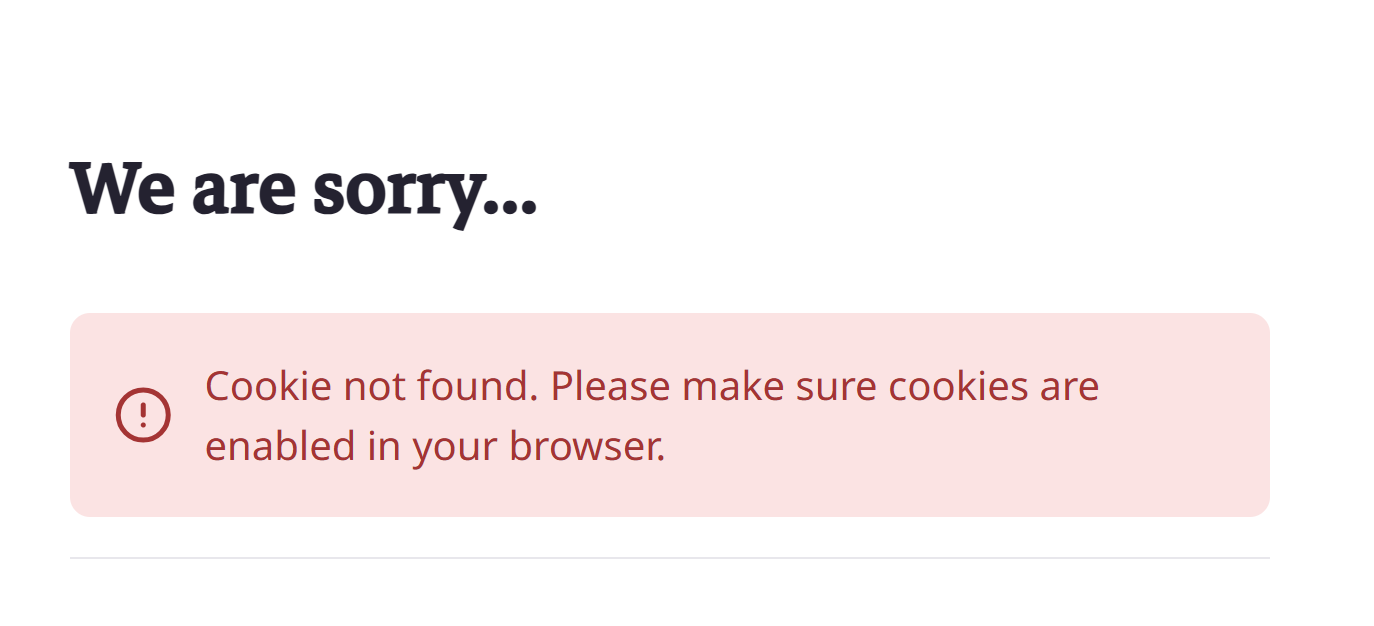
Example of an iObeya platform without iObeya ID:
.png)
Using the Correct Access Point
You should always access your platform through your official iObeya URL. The redirection URL displayed during login is not an access point to the platform. Sharing it can cause login issues because it works only as part of the authentication flow handled by the browser
Do not use:
redirection URL that appears during login
URL pointing directly to iObeya ID
These URLs cannot open the platform and can cause login issues.
Organizing Identities in iObeya ID
iObeya ID uses separate identity spaces called realms. Each realm matches one iObeya environment.
When you sign in:
you are routed automatically to the correct realm.
your identity is verified inside that realm.
you return to iObeya as soon as authentication is complete.
This process ensures that each platform has its own isolated identity space.
Accessing the iObeya ID Console
Starting from iObeya version 4.31 (online only), a dedicated console URL is available for only administrators with the required permissions in iObeya ID. This console is part of the identity service used to manage authentication settings.
You can open the console by adding /console at the end of your platform root URL.
Example: https://clients.iobeya.com => https://clients.iobeya.com/console
The console is a technical interface linked to the identity service. Most administrators do not use it and it is accessed only when specific identity management actions are required.